 Seasonal ideas
Portrait Ideas & Creative Images
Create Stunning Pictures with a pfp maker
Portrait inspiration
Create or edit an image in Supavisual
Explore the examples here, then open Supavisual’s general image workspace. Enter your prompt or upload a photo there; this page does not transfer either.
Open Supavisual image toolsAI jobs require sign-in and paid or granted access. This is not a dedicated identity-preserving headshot or try-on tool; check likeness before using a result.

Many looks for the moments that matter most
Profile picture inspiration for many styles
Explore headshot, lifestyle and creative profile-picture ideas. Supavisual offers general image generation and editing, not a dedicated headshot or identity-preserving portrait service.
Professional Headshot Ideas
Illustrative headshot concepts, not verified edits of one person. Choose a style, then compare any generated result with the actual subject before using it.












Lifestyle Profile Picture Ideas
Explore illustrative social and work looks. These are not verified same-person transformations; a generated face may differ from your photo.







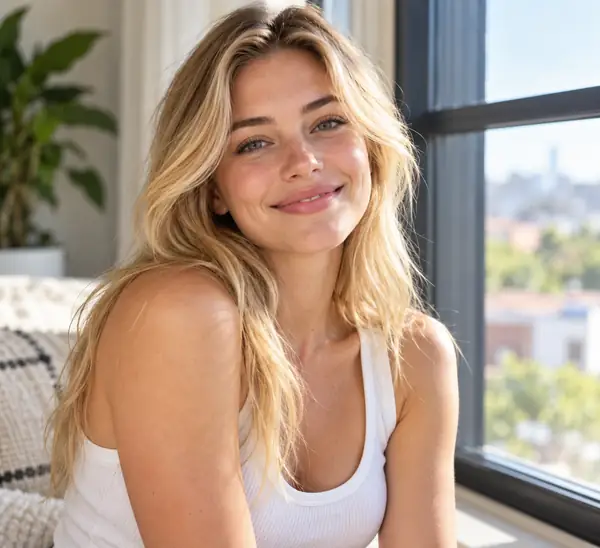




Classic Profile Picture Looks
Change the setting, experiment with color, or frame your portrait. Discover a simple style that puts you in focus.

Creative Backgrounds

Gradient Backgrounds

Color Backgrounds

Photo Backgrounds

Borders & Frames
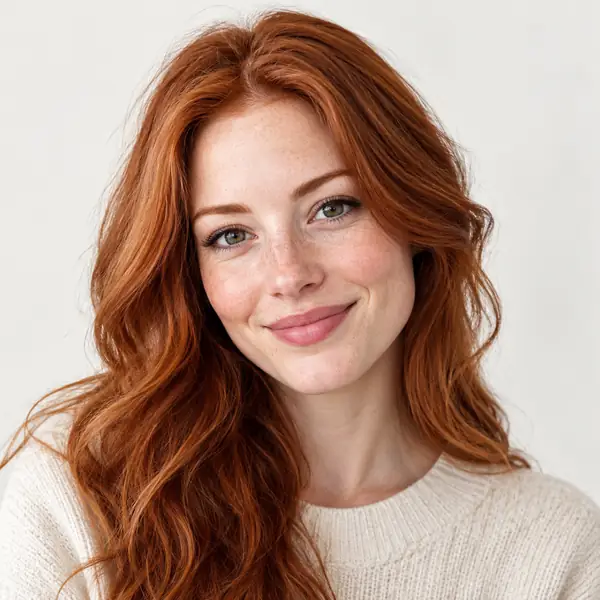
Clean Backgrounds
General Image Editing for Portraits
Portrait ideas for general image editing. Supavisual does not offer a dedicated beauty, face or try-on editor, and changes may alter recognizable features.
Your best shot, thoughtfully imagined.

AI Background
Imagine yourself in a new environment.

Object Replace
Explore a different object in the scene.

Object Recolor
See how a new color changes the mood.

Accessories
Consider a cleaner, simpler portrait.

Photo Relight
Find the light that suits your picture.

Background Change
Picture a completely different setting.

Photo Clarity
Give an important shot a fresh look.

Color Correction
Explore contrast, warmth and color.

Camera Angle
Try a more flattering perspective.
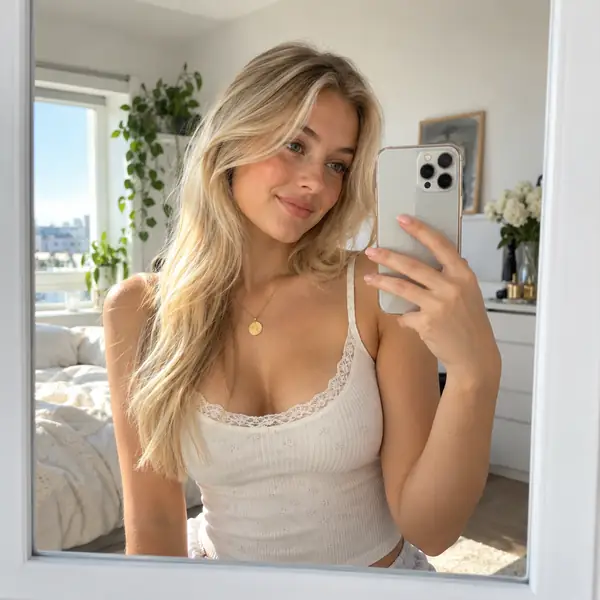
Mirror Selfie Ideas
Make an everyday image stand out.

Level up your online presence
Your profile picture is often a first impression. Choose a portrait that conveys your style, confidence and approachability wherever people meet you online.
Your lookA little more confidence can change how you show up.
Build a strong personal brand
A considered profile picture helps people recognize you across the places you work and connect. Find an image that feels consistent with the impression you want to make.
YouThe most important part of your personal brand.

Explore portrait styles
Use this single portrait as style inspiration. If editing your own photo, review the generated result carefully; matching the subject's identity is not guaranteed.
Portrait Editing Ideas for Photos of People
Supavisual offers general image editing from a source image and text instructions, not face-specific retouching or a guaranteed same-person transformation. Check any result against your source photo.
- Looks for faces, selfies and portraits
- Explore hairstyle, outfit and accessory ideas — not a virtual try-on
- Find a picture that feels natural to you
How can I use pfp maker?
Find a profile-picture look for social media, teams, business cards, a résumé or an email signature.


1Picture to begin
ManyLooks to explore
YouAt the center
Frequently asked questions
You can describe the setting and colors after opening Supavisual and choosing its image-generation or general-editing workflow.
A portrait can be used on social profiles, messaging apps, team pages, business cards and résumés, subject to each service’s requirements.
Try describing the clothing, setting, lighting, expression and overall mood you would like.
Use the link above to open Supavisual; select an image tool and upload your picture in its workspace, not on this page.
If you plan to use a photo, choose a clear image with your face visible and even lighting.
How AI can improve your profile picture
Ideas for finding a profile picture that makes a memorable first impression.
Seasonal ideas
How a New Background Changes a Profile Picture
 Profile picture
How to Take a Selfie You Will Want to Share
 Profile picture